 Cybercom Inc
Web intelligence
SEO Techniques Examples

By Nolan Pierce
Search engine optimisation means helping search engines understand a website and helping readers find useful answers. Practical SEO work includes writing f
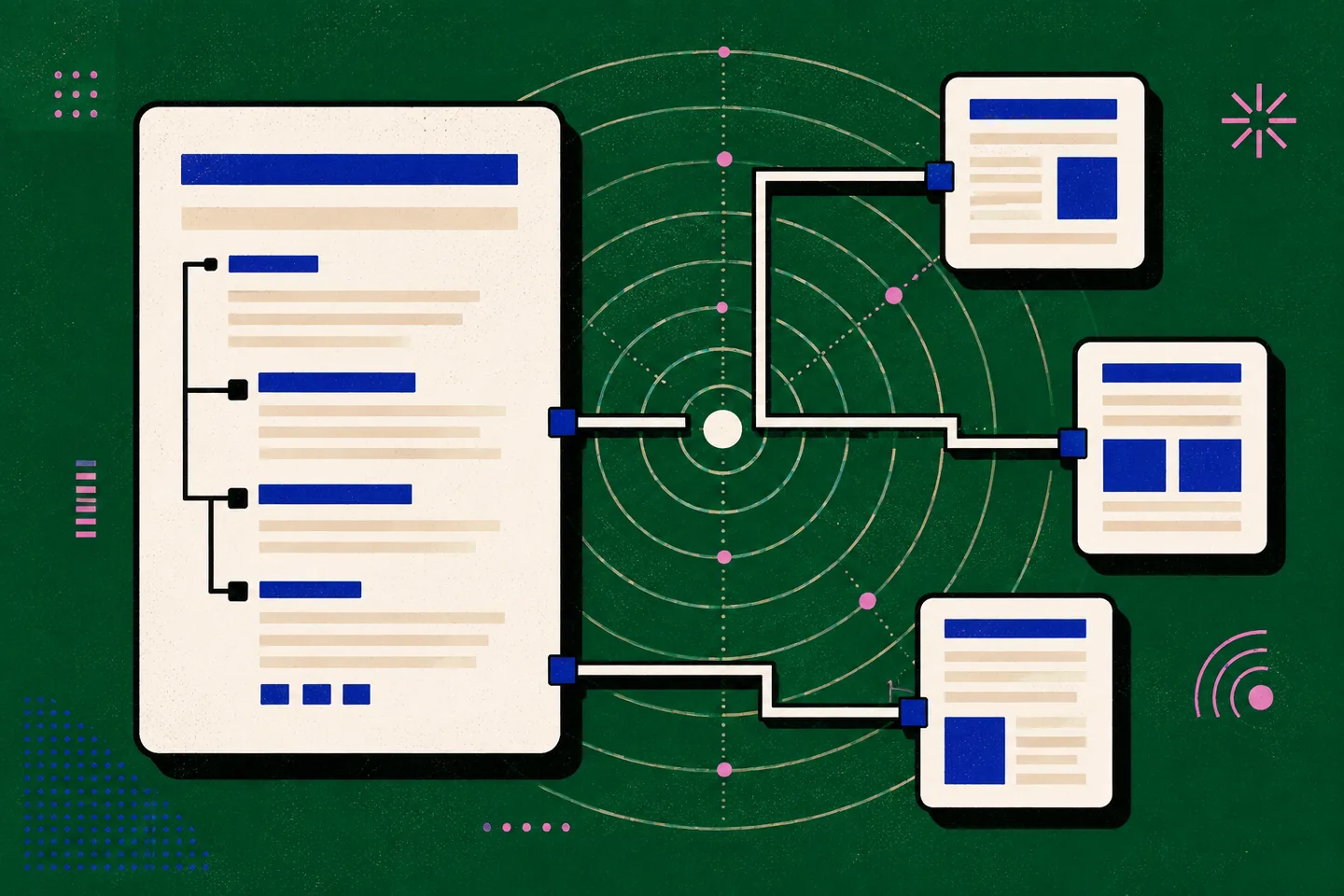
Search engine optimisation means helping search engines understand a website and helping readers find useful answers. Practical SEO work includes writing focused pages, improving navigation and checking that published URLs behave correctly. None of these changes guarantees a particular ranking.
The examples below use hypothetical websites to show what to change and how to check the result. Start with a page that serves a clear reader need, then address the content and technical obstacles that prevent it from doing that job.
1. Match the page to a search question
Suppose a technology consultancy wants a page about “website security audits”. The page should explain what an audit examines, who it suits and what information a reader should prepare. Repeating the phrase without answering those questions gives visitors little reason to stay.
Choose the format around the task. Someone learning a concept needs an explanation; someone comparing approaches needs differences and trade-offs. A service page should describe the actual service rather than imitate an educational guide while withholding the practical details.
Use related language where it helps explain the topic. An audit page might discuss account permissions, software updates and backups. Avoid inserting every keyword variation. Read each section against the original question: if it does not help answer it, shorten it or move it elsewhere.
2. Give the reader enough detail to act
A useful page has a defined scope and a sequence the reader can follow. For example, a website maintenance guide could separate software updates, account protection, backups and monitoring, then explain what to check in each area. Several short pages repeating the same warning would offer less practical help.
Make instructions observable. Instead of “improve your internal links”, ask the reader to open an important page, identify a related guide and check whether the existing navigation provides a sensible route to it. Name the expected result and any limitation.
Guidance on helpful, reliable, people-first content provides a useful editorial test: does the page have a clear purpose, offer original value and leave the reader with a satisfactory answer? Remove unsupported claims and distinguish illustrative examples from results you have actually measured.
3. Write descriptive titles and headings
The HTML title describes a document in a browser tab and may contribute to its search-result title. “Technical SEO Checklist for Small Business Websites” communicates more than “Home”. Put the page’s purpose early and give each distinct page a title that accurately identifies it.
A descriptive, unique title is preferable to a list of keywords. Check titles across related pages: if several are interchangeable, clarify their individual purposes before adding more content. Do not promise a checklist when the page only defines a term.
The visible main heading should fulfil the title’s promise. Use subordinate headings to divide the explanation logically. “How to Check Redirects” tells readers more than “Step Two”, especially when they scan the page without reading every paragraph.
Headings also support accessible navigation. Under WCAG 2.2, headings and labels should describe topic or purpose, and a link’s purpose should be understandable from its text or surrounding context. Check the heading order as well as its visual appearance.
4. Connect related pages with useful links
Internal links help readers move from an overview to a detailed explanation. An article about vulnerability management might point to a patch management guide using “understanding patch management” as its anchor text. The wording should tell the visitor what the destination covers.
Link where the next page answers a likely follow-up question. Do not add a link to every mention of a term or fill the introduction with competing destinations. A selective link is easier to notice and assess.
Review older pages when publishing new material. An established overview may be the best route into a new guide. Check that the destination loads, the anchor remains accurate and the link is available through ordinary navigation rather than a control that works only in limited circumstances.
5. Keep URLs stable and check responses
For a new page, a readable path such as /services/technical-seo-audit helps indicate the subject. Keep established URLs stable: renaming a working path purely to add keywords can disrupt bookmarks and existing references without improving the underlying content.
When a page genuinely moves, a server-side redirect can guide visitors to its equivalent replacement. Distinguish a permanent move from a temporary change. Do not send every missing page to the home page, where the requested information may be absent.
The HTTP Semantics specification defines response status codes, including successful responses, redirects, client errors and server errors. Checking these responses helps reveal broken routes and redirect chains that a casual visual inspection may miss.
Test the original address and its destination. Confirm that the destination contains the intended content, internal links point to the preferred URL and a missing page returns an appropriate error response. Keep a record of intentional URL changes so later maintenance does not undo them.
6. Describe visible information accurately
Structured data adds machine-readable descriptions to information on a page. A recipe can identify its ingredients and preparation time; an organisation page can describe the organisation shown to visitors. Choose a content type that fits the page rather than whichever type appears most elaborate.
Search-engine structured data documentation explains how markup can provide explicit clues about page meaning and eligibility for enhanced search features. Eligibility does not guarantee a particular display. Never insert a review, price or service claim that visitors cannot verify in the visible content.
The schema.org getting-started guide explains how shared vocabularies work with formats such as Microdata, RDFa and JSON-LD. Add only accurate properties, validate the implementation and check it again when the page changes. A valid description can still be misleading if its values are outdated.
7. Check accessibility, loading and rendering
Use meaningful headings and link text, readable contrast and keyboard-operable controls. Where a page includes informative images, provide text alternatives suited to their purpose. These practices help visitors use the information whether or not search visibility changes.
For performance, begin with the reader’s experience. Does the main content appear promptly? Do controls respond? Does the layout shift while someone tries to follow a link? Investigate oversized assets, unnecessary scripts and dependencies that delay access to essential information.
Inspect the published page, not just the development preview. Check it on a narrow screen and with a keyboard. Compare the delivered HTML with the rendered page to identify essential text or links that depend on scripts. Check indexing controls separately: a page can load successfully while explicitly requesting exclusion from search results.
8. Measure one defined improvement
Before editing, record the page’s purpose, intended audience and the outcome a useful visit should enable. Then choose a specific problem, such as an unclear title or a broken route from an overview to a guide.
After publishing, inspect relevant search impressions, clicks and indexing information where available. Compare equivalent periods and consider seasonal demand. A rise or fall does not prove that one edit caused it, particularly when several changes happened together.
- Write the reader’s question in one sentence.
- Identify the content or technical obstacle preventing a satisfactory answer.
- Make the smallest useful change and record the date.
- Test the published page, its links and its response behaviour.
- Review the evidence before deciding what to change next.
Avoid keyword stuffing, hidden text, copied pages, misleading markup and manipulative link schemes. They obstruct a clear editorial purpose and create maintenance problems. When a proposed technique has no understandable benefit for the visitor, reconsider it before adding another dependency or another page.