 Cybercom Inc
Web intelligence
Important SEO Techniques

By Nolan Pierce
Search engine optimisation starts with useful content that people can find, read and navigate. The practical priorities are to answer a clear question, mak
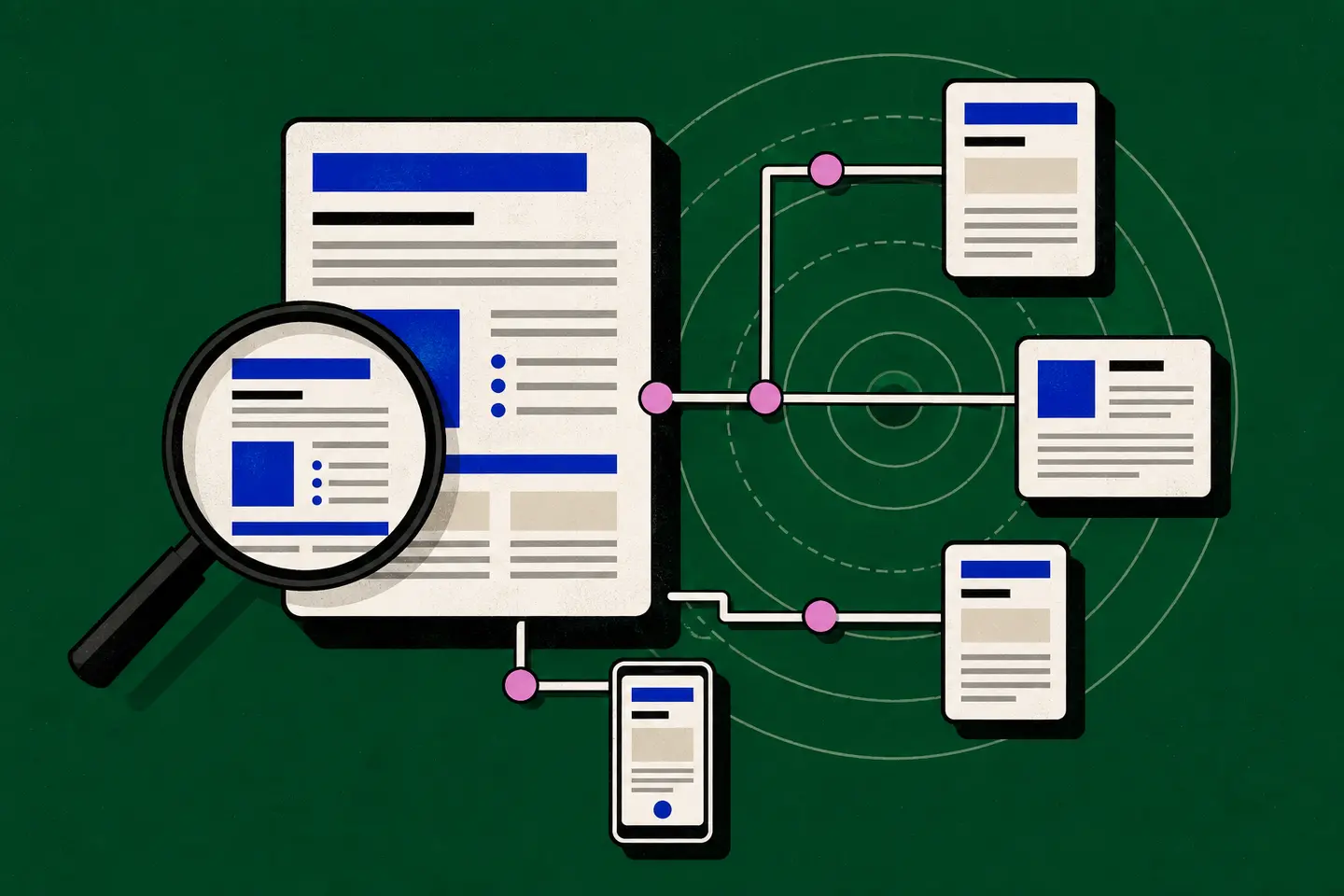
Search engine optimisation starts with useful content that people can find, read and navigate. The practical priorities are to answer a clear question, make important pages accessible to crawlers, connect related information and remove obstacles for visitors. Work on these foundations before adjusting minor details or chasing isolated ranking changes.
Begin with one important page. Record its purpose, existing search traffic and any technical problems, then choose a focused improvement. A documented change gives you something to evaluate; a wholesale rewrite combined with a redesign makes the results harder to interpret.
Match the page to the reader’s task
A keyword describes a subject, but it may not explain what the reader needs. Someone searching for website maintenance might want a checklist, a fault diagnosis or help planning routine work. Decide which task your page serves before choosing its headings.
Write a short brief identifying the reader, their question and what they should understand afterwards. For a troubleshooting page, include symptoms, checks and possible remedies. For a comparison, explain the criteria and trade-offs. Avoid an opening that defines the whole subject when the reader needs a specific answer.
Use the vocabulary readers recognise, including necessary technical terms with short explanations. Do not repeat a target phrase in every heading or add awkward variations to meet a keyword count. Read the copy aloud: if the wording sounds forced, simplify it.
Make each page useful and distinct
Put the central answer near the beginning, then supply the detail needed to apply it. Replace broad advice such as “improve your website” with a concrete check: open the navigation on a narrow screen and confirm that every menu item remains reachable.
Use descriptive subheadings, short paragraphs and lists for genuine sequences or alternatives. Explain limitations where they affect a decision. A recommendation without its conditions can be misleading, even when it sounds plausible.
Before creating another page, check whether an existing one already answers the same question. Improve incomplete coverage instead of publishing several near-identical articles. When reviewing older content, correct errors and remove obsolete instructions. Preserve useful detail rather than shortening a page solely to reach an arbitrary length.
Support consequential claims with appropriate references. Cite the material that supports the statement, rather than attaching unrelated links to make the page look researched. Separate factual guidance from your own suggested workflow, and never invent experience, endorsements or results.
Write clear titles and headings
Give each page a descriptive title that distinguishes it from neighbouring pages. “Website maintenance checklist for a small publication” tells readers more than “Essential guide”. The main heading should accurately describe the content that follows, without promising a scope the page does not cover.
Write a concise page description that summarises its value in plain language. Avoid repeating the same description across unrelated pages. Search listings may display different text, so treat the description as useful metadata rather than a guaranteed message.
Organise subheadings around the reader’s questions. A troubleshooting article might move from identifying the symptom to checking access and testing a fix. Do not use headings merely to repeat search phrases; their first job is to make the document easy to scan.
Connect pages through ordinary links
Important pages should be reachable through navigation or contextual links. A page that appears only in a sitemap may remain difficult for visitors to find. Review your main categories and check that they lead to the most useful supporting material.
Use ordinary HTML links with a destination in the href attribute. Choose anchor text that explains the destination, such as “image compression checklist”, instead of “click here”. Add a link where the reader needs the next explanation, not wherever another keyword appears.
Check links after moving or editing content. Repair broken destinations and avoid sending readers through unnecessary redirects. Keep established URLs stable: changing a working address for cosmetic reasons can disrupt bookmarks and incoming links without improving the answer.
Check crawling and indexing controls
Discovery, crawling and indexing are separate steps. A search engine may know a URL exists but be unable to retrieve it, or retrieve a page without including it in search results. Diagnose the specific obstacle before rewriting the content.
- Response: confirm that the intended page loads successfully and does not return an error or an unrelated redirect.
- Access: check whether crawler rules accidentally block important public pages or resources.
- Indexing: inspect the page for an unintended noindex instruction.
- Duplication: review canonical settings where several addresses represent substantially the same content.
- Discovery: include intended public pages in a maintained sitemap and connect them through internal links.
A sitemap helps describe available URLs; it does not guarantee indexing. Likewise, a crawler exclusion is not a reliable way to keep sensitive information private. Private content needs proper access controls rather than a request that automated visitors stay away.
Use structured data only when it accurately describes information visible on the page. Do not add invented reviews, ratings or relationships. Validate the markup and correct errors, while recognising that valid markup does not guarantee an enhanced search appearance.
Test the experience visitors receive
Open the page on a small screen and navigate it with a keyboard. Check text size, contrast, focus visibility and whether menus obscure the main content. Important information should not depend on hovering over an element. Give meaningful images appropriate alternative text.
Investigate slow pages by looking for oversized images, unnecessary scripts and excessive requests. Resize assets to suit their display dimensions and remove unused resources. Measure before and after a change so that a perceived improvement is supported by evidence.
Test actual tasks as well as loading speed. Can a reader follow a related link, download a document or complete an available form? Check error messages and empty states. A fast page that prevents the visitor from finishing their task still needs repair.
Check more than the homepage. Sample an article, a category page and any page with a different layout. Shared navigation may work everywhere while a particular template has clipped headings, missing images or controls that cannot receive keyboard focus.
Measure a focused change
Record a baseline for the page: search impressions, clicks, relevant queries and meaningful visitor actions where measurement is available. These answer different questions. More impressions may indicate broader visibility without showing that the page satisfies the people who reach it.
Keep a dated change log describing what you edited and why. Compare equivalent periods where possible, noting seasonal demand or other site changes that could affect the result. Avoid treating a brief movement in ranking as proof that one edit succeeded or failed.
Combine measurement with inspection. Read the page as a first-time visitor and check whether its title, opening answer and linked destinations agree. Use the next review to resolve a specific remaining problem, such as an unanswered question or a broken navigation path.
Sources
Google Search Central’s SEO Starter Guide explains the relationship between search engines, users, useful content, search terms, and ongoing maintenance.
Google’s link best practices documentation describes crawlable HTML links and the role of clear anchor text in helping people and search engines understand destinations.
Google’s URL structure guidance covers crawlable, intelligible URLs and the limitations of using URL fragments to change page content.
Google’s guide for web developers discusses access, indexing controls, mobile usability, performance, accessibility, security, and structured data.
Google’s crawling and indexing documentation provides an overview of sitemaps, robots.txt, canonicalization, metadata, JavaScript, and related controls.